

Share your screen
Not your interests

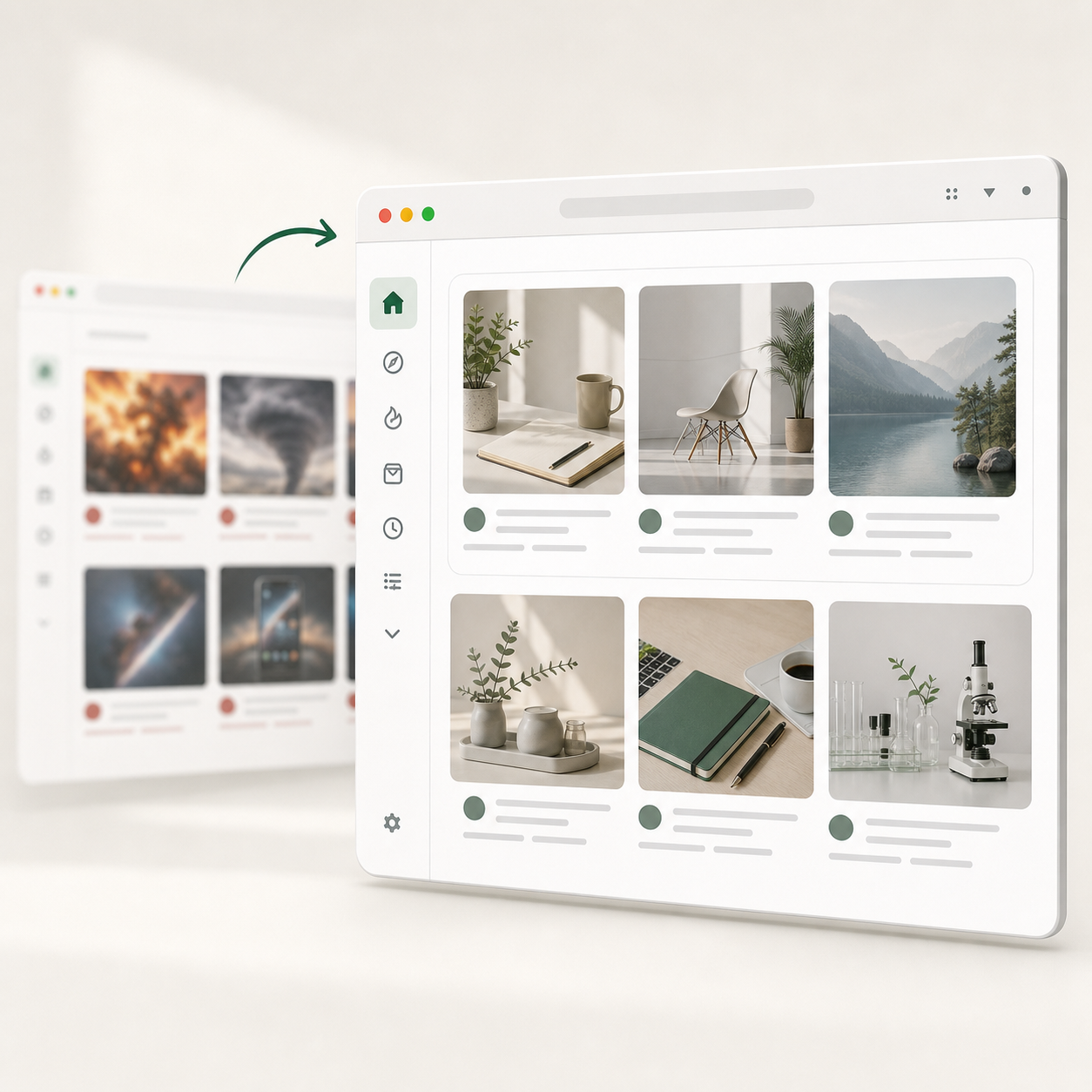
Show your work without showing what your social feeds have figured out about you.

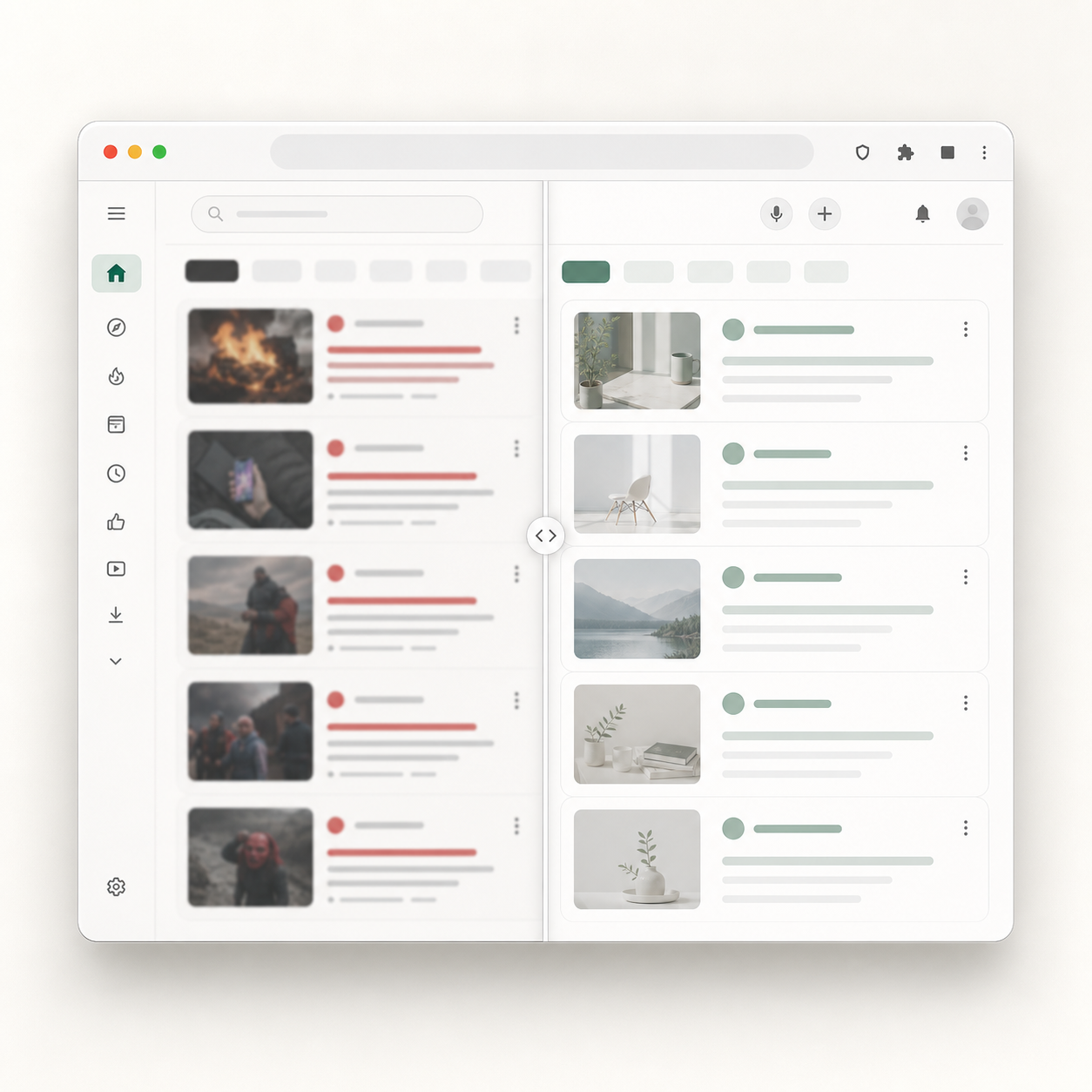
Replaced, not blurred

Drag to compare.

youtube.com
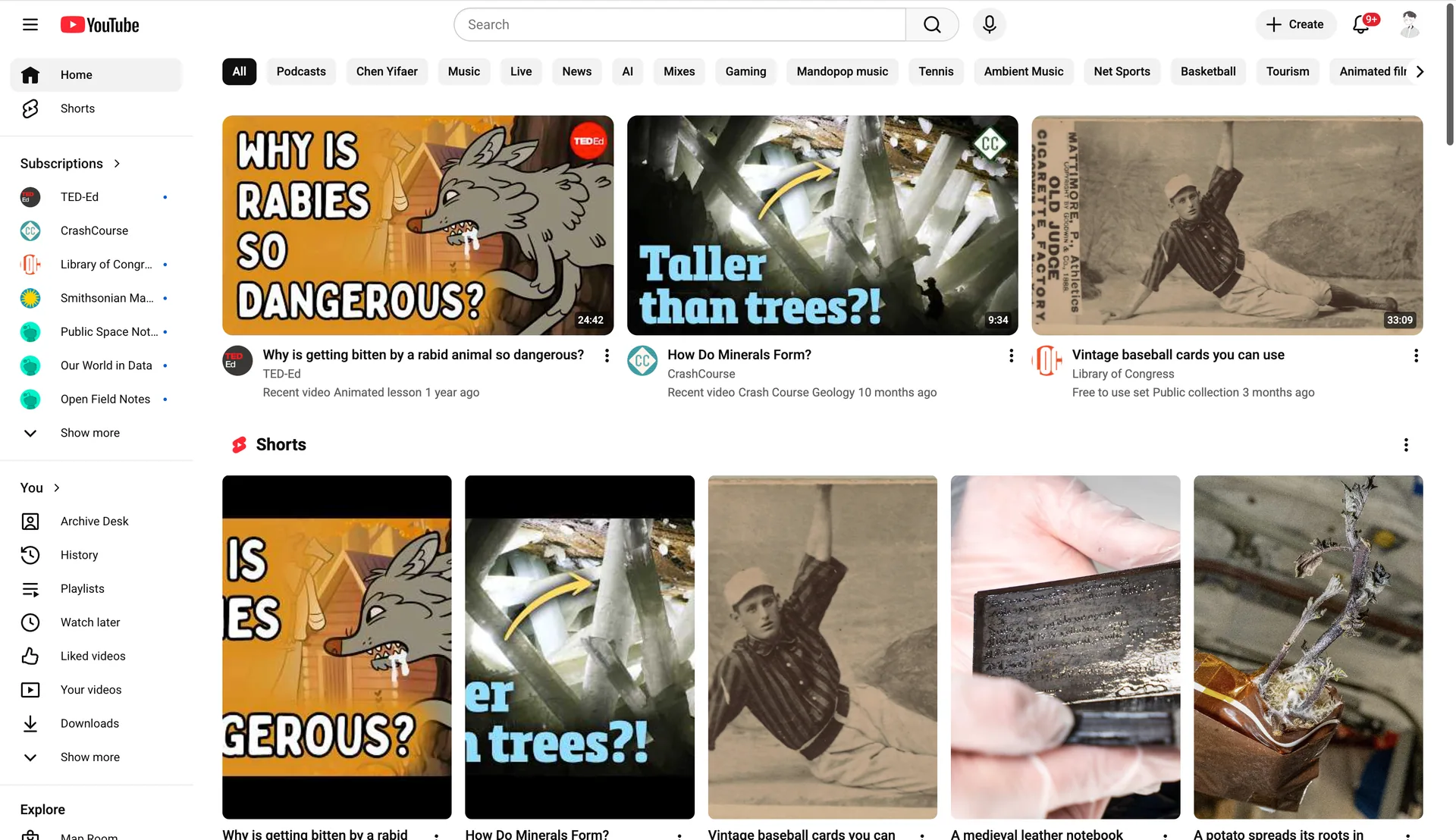
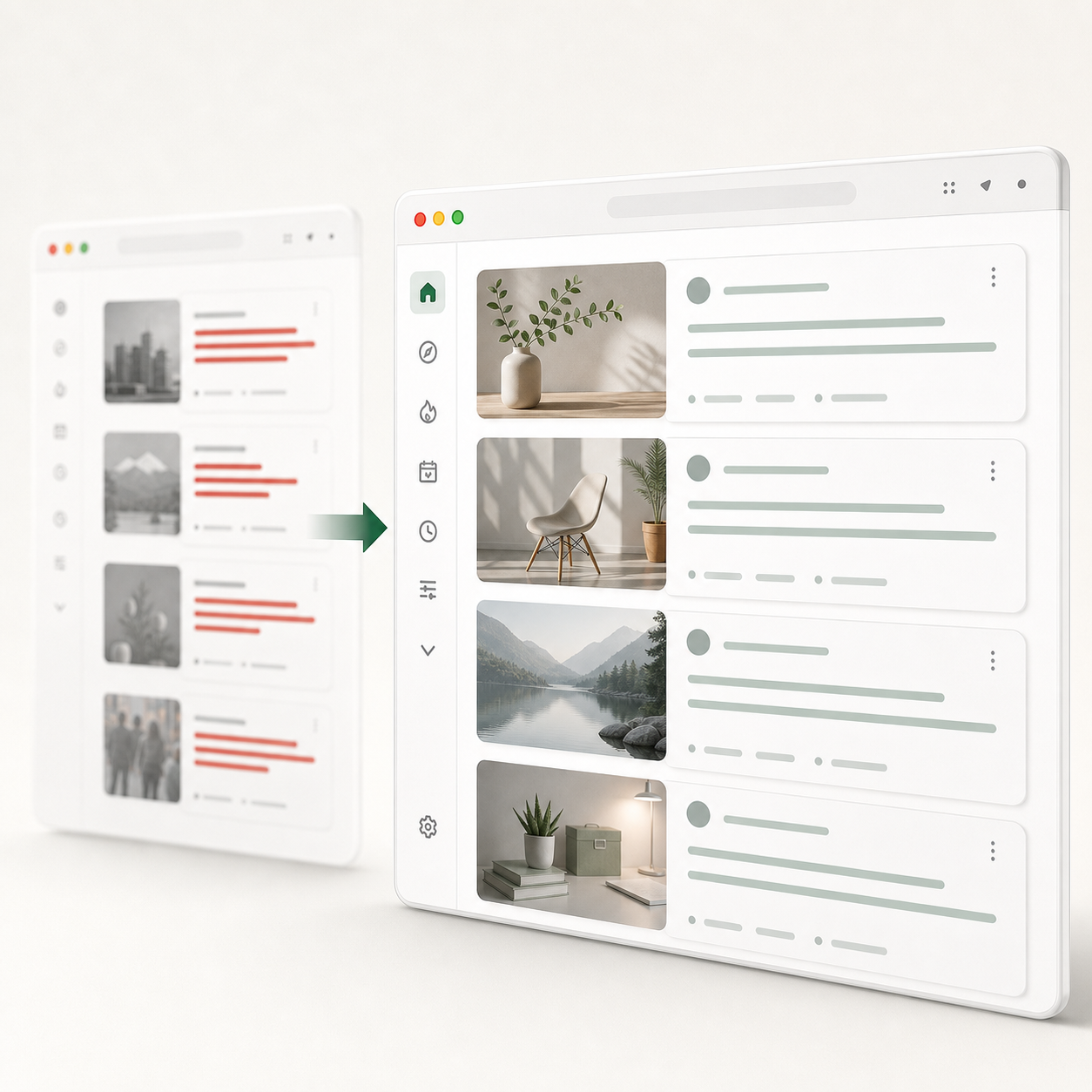
YouTube homepage after ShareVeil replaces recommendations with neutral screen sharing content.
YouTube homepage before ShareVeil showing original recommendation thumbnails and video titles.

Want another site?

Built for screen sharing

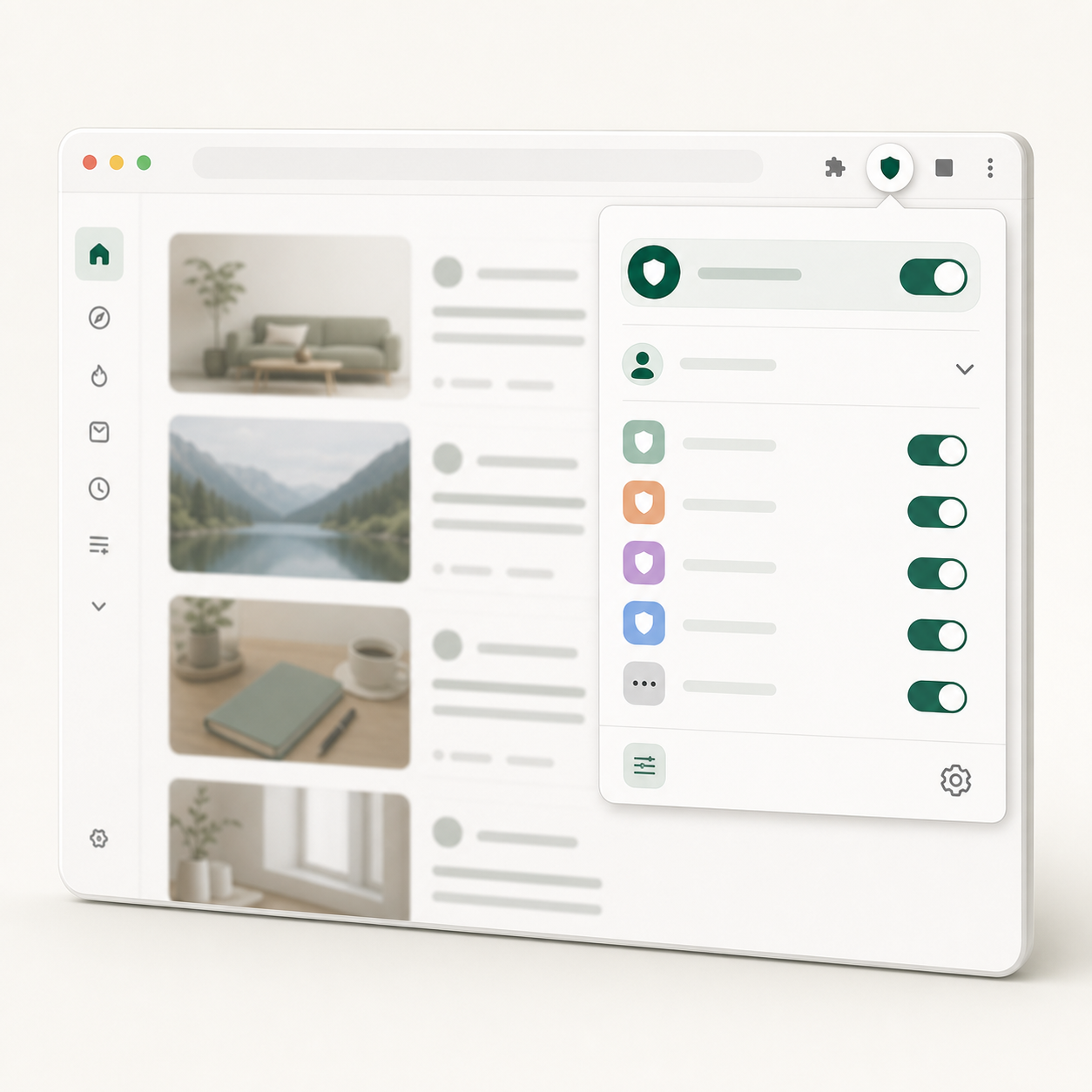
Different moments need different neutral content. Pro profiles keep each workflow ready.

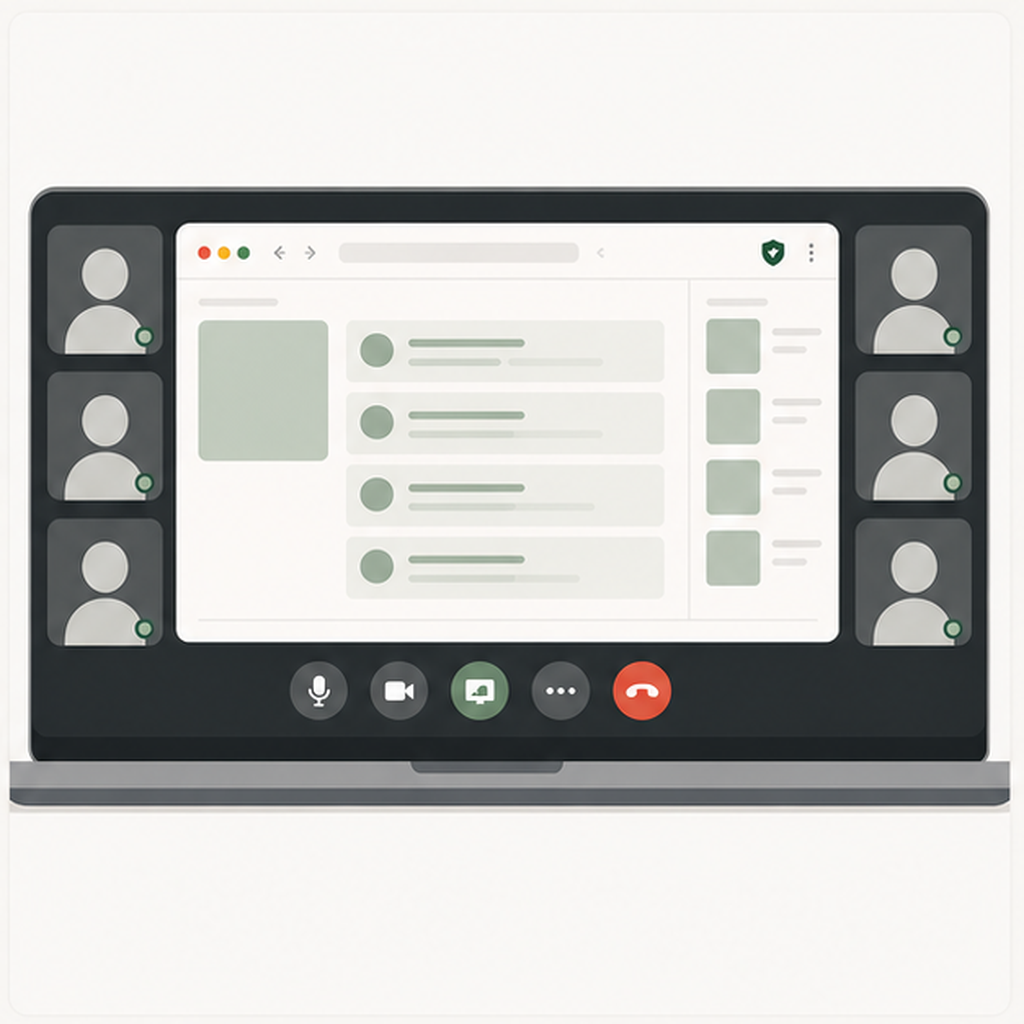
Product demo on a shared screen with a protected browser tab showing neutral replaced content.

Demo your product, not your YouTube homepage.

Open a new tab mid-demo and the prospect sees an ordinary page, not the recommendations that reveal what you actually watch.

  • The prospect sees a neutral page, not your feed.
  • Use a Client Demo profile for polished replacement content.
Have a call or recording coming up?Add to Chrome before it starts

Replace what people notice first

Titles, thumbnails, layouts, and controls stay calm when your screen is visible.

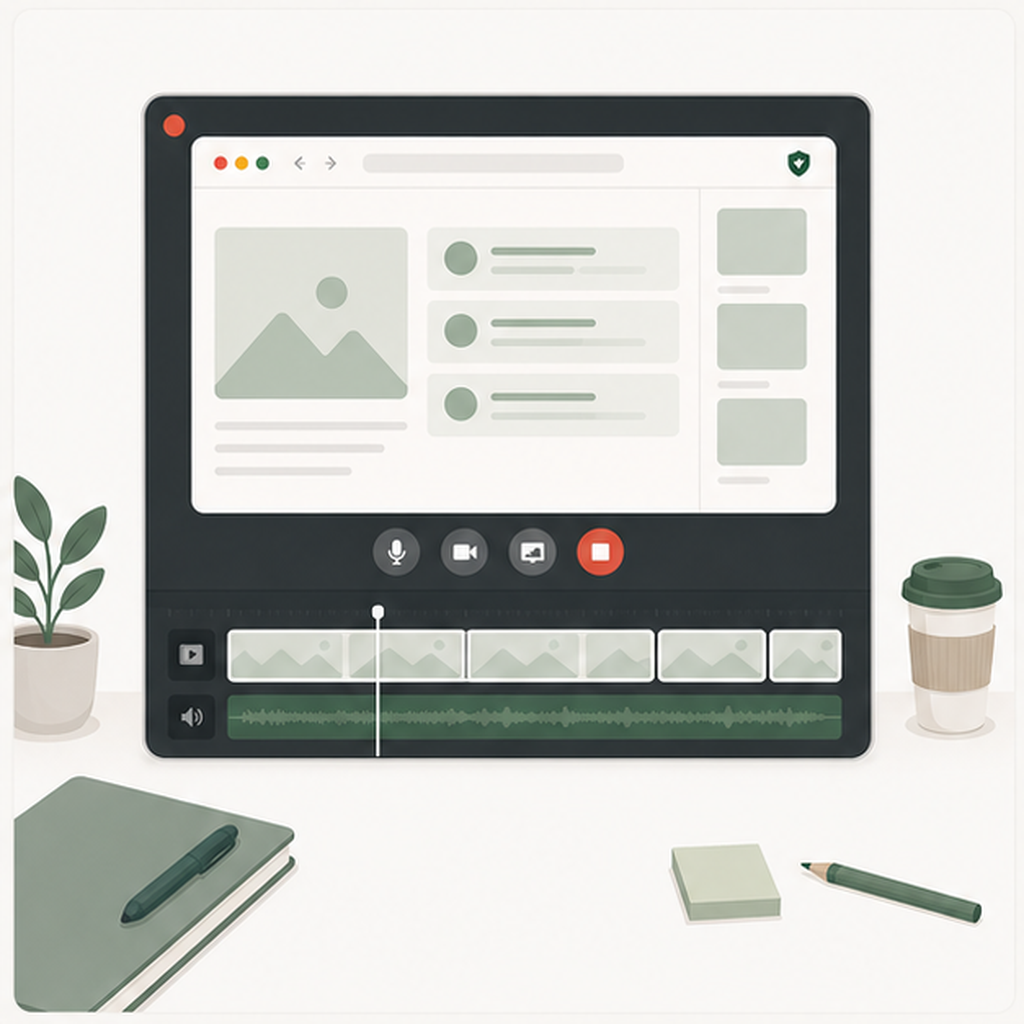
Feed titles and channel information replaced with neutral work-safe content during sharing.

How it works

1

Add to Chrome

Install from the Chrome Web Store. No account required.

2

Turn it on

Use the toolbar popup before a call, demo, class, or recording.

3

Keep the page normal

Recommendations swap to neutral entries while controls stay usable.

4

Share

Present the same page without exposing your recommendation history.

Store rolloutChromeliveEdgeChrome StoreFirefoxplanned

See exactly what's hidden on each platform

Free covers the current supported platforms locally. Pro adds profiles, sync, and unlimited libraries.

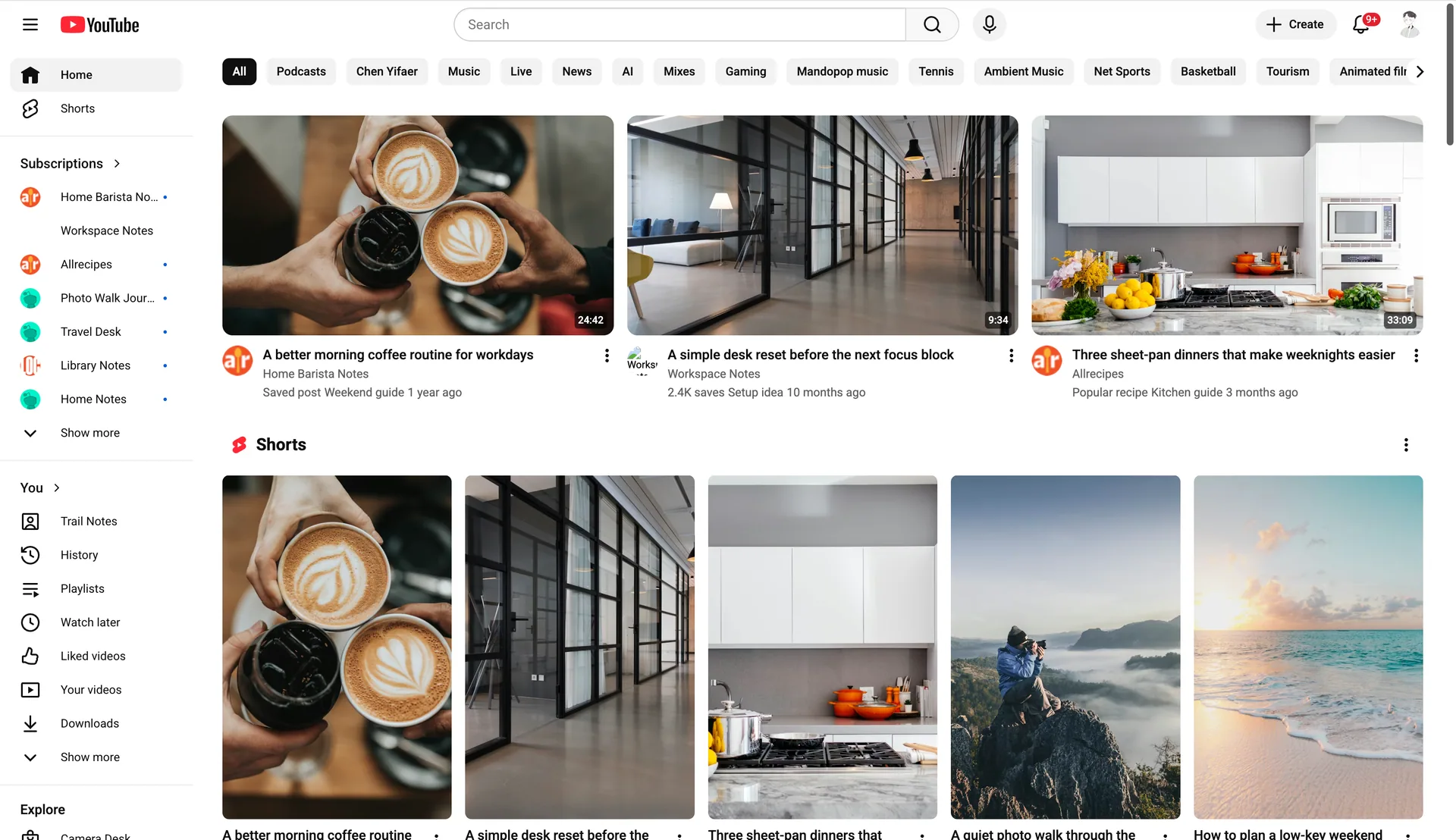
YouTube coverage replaces homepage recommendations, watch-page sidebar suggestions, Shorts, and visible subscriptions.

VideosShortsSubscriptionsURL import

Reddit coverage replaces home feeds and subreddit feed cards while leaving comments and core navigation untouched.

PostsSubredditsAuthorsURL import

X coverage replaces timeline posts, authors, timestamps, engagement, and media across x.com and twitter.com.

PostsAuthorsEngagementMedia

Instagram coverage replaces visible feed post captions, authors, metadata, and media while leaving navigation and direct messages untouched.

PostsCaptionsAuthorsMedia

Facebook coverage replaces feed posts, page names, visible engagement, and media without changing messages or core controls.

Feed postsPagesAuthorsMedia

More platforms are on the roadmap. Vote below for the next site you need, and Pro includes future supported platforms as coverage expands.

Coming nextVote belowIncluded in Pro
Covered site? Keep it clean on your next share.Add to ChromeVote for another platform

Private by default, calm on screen

ShareVeil changes visible recommendation surfaces in your browser while avoiding remote feed scanning, account friction, and fragile edits to core controls.

Runs where you browse

Free protection works locally with no account, no cloud scan, and no email required to start.

Replaces, not records

Risky titles, thumbnails, authors, and metadata are swapped for neutral entries before they are visible.

Leaves the page usable

Players, search boxes, messages, and navigation stay untouched so the platform still feels normal.

Start free

The free version of ShareVeil covers most occasional screen-sharing needs. If you need reusable profiles, unlimited replacements, or sync across connected browsers, you can upgrade to Pro.

Free

$0

Quiet local protection on one browser. No account, no cloud, no email asked.

  • YouTube, Reddit, X, Instagram, and Facebook coverage
  • One local Neutral library
  • 20 local replacement entries
  • Built-in presets and local image upload
  • This browser only
Add to Chrome

Monthly

$9 / month

Multiple neutral libraries for demos, calls, recordings, and teaching.

  • Everyday, Client Demo, Recording, and Teaching profiles
  • Switch profiles before a specific call or recording
  • Unlimited replacement entries
  • Account sync across connected browsers
  • Cancel any month
Try monthly

Frequently asked questions

Answers for install, supported surfaces, privacy, and billing before you use ShareVeil on a call.

It swaps visible feed content such as titles, captions, thumbnails, avatars, channel names, authors, communities, and metadata. Recognized items are replaced, not left as blank gaps.

No. Blurred blocks can draw attention. ShareVeil replaces risky items with neutral-looking entries so the page still feels normal.

Free covers YouTube, Reddit, X, Instagram, and Facebook locally with one editable neutral library. Pro adds multiple profiles, unlimited replacement entries, sync across connected browsers, and priority platform requests. Comments, messages, search input, and core controls are never touched on any plan.

Profiles are reusable neutral libraries for different sharing contexts. Keep one set for everyday calls, another for client demos, recordings, or teaching, then switch before you share.

ShareVeil covers recognized YouTube recommendation surfaces while leaving the player, search box, comments, and core controls alone. Pro is about reusable profiles and sync, not locking the platform itself.

Chrome is the first store build, and Microsoft Edge can install the same Chrome Web Store extension today. Dedicated Edge Add-ons and Firefox Add-ons listings are planned.

No. ShareVeil avoids players, search boxes, top navigation, messages, and other core controls.

Yes. It watches dynamic feed updates and replaces new items as they load, before the original content is visible, whenever the page structure can be recognized.

No. Replacement uses local entries and user-imported references. It is not built around remote feed scanning or AI generation.

Can't find the answer you're looking for? Reach out to our support team.

Vote for what we add next

Select every platform you want covered next. We use votes to prioritize roadmap work.

Email is only used if we need to follow up.

Ready to share your screen clean?

Use ShareVeil before demos, calls, and recordings so recommendations stay off-screen.

Add to Chrome